Digitizing
Botanical stitch study
Studio concept — embroidery planning and stitch detail.
FROM ARTWORK TO THREAD
Your artwork is the starting point. Fabric, scale and placement shape the stitch plan that follows.
ARTWORK SUPPORT · CLEAR PROOFS · CONSIDERED FINISHES
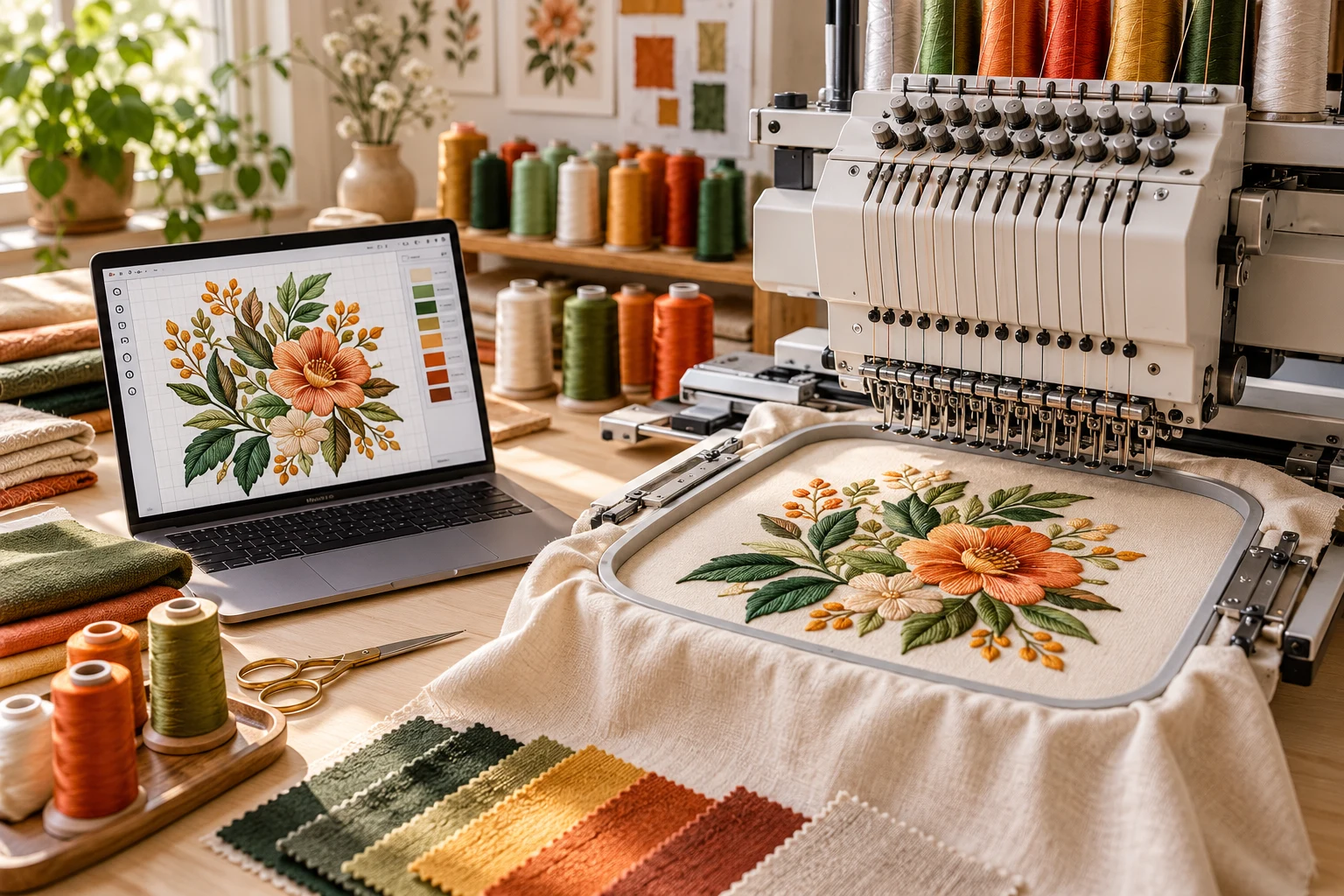
Original studio concept
FROM ARTWORK TO THREAD
Your artwork is the starting point. Fabric, scale and placement shape the stitch plan that follows.
Embroidery digitizing translates artwork into instructions an embroidery machine can follow. It is more than an image conversion: stitch direction, density, sequencing and underlay all affect the final result.
Share your garment type, intended width and height, machine format and placement. A small chest logo, a structured cap and a jacket back each need a different approach. We review the artwork with those practical details in mind.
Fine lines, tiny lettering and gradients may need adjustment to work in thread. We explain those choices during the project so you can keep the character of your design while making sensible production decisions.
CAPS & HATS
Confirm the stitch area and cap style before preparation.
LEFT CHEST
Prioritise legible lettering and well-balanced detail.
JACKET BACKS
Plan scale, stitch direction and fabric support together.
3D PUFF
Suitable artwork and foam-aware preparation matter.
DESIGNED AROUND YOUR PROJECT
The decisions behind the artwork matter as much as the final image.
01
We consider the intended placement instead of treating every design as a generic file conversion.
02
Discuss what can remain, what needs simplification and how changes affect the finished look.
03
Confirm machine format, size and the agreed production notes before delivery.
LET’S TALK ABOUT YOUR ARTWORK
Tell us what you have and what you need to make. We’ll help you identify the next step.
STUDIO INSPIRATION
Original visual concepts and artwork samples. Click an image to explore the detail.
Digitizing
Studio concept — embroidery planning and stitch detail.
Vector Art
Studio concept — clean geometric artwork.
Patches
Studio concept — embroidered, woven, chenille, PVC and leather finishes.
Digitizing
Studio concept — cap and jacket placement.
Vector Art
Original SVG + PNG artwork from the design collection.
Vector Art
Original colourful vector artwork with a transparent background.
A SIMPLE PROCESS, THOUGHT THROUGH
A clear path keeps your digitizing project moving. Every step has a purpose, and you stay part of the conversation.
01
Upload a clear file and share the intended size, placement, material and quantity. Include a reference if you have a particular finish in mind.
02
We clarify the scope, confirm the quote and prepare the next step. Review the proof carefully and flag changes before approval.
03
Receive the agreed files or move into patch production after approval. Keep your order details handy for support and repeat projects.
THE PRACTICAL DETAILS
Request the machine format your equipment requires, such as DST or PES, in the project brief. A vector SVG or a preview PNG is not a stitch file. Always run a sample on the intended fabric and setup before a production batch.
01
Check the final dimensions, colours, file formats or material choices in your quote.
02
Compare the artwork against the brief and raise questions before approval.
03
Your order number and agreed specification help us support revisions and future projects.
GOOD QUESTIONS. CLEAR ANSWERS.
A few details now can make the rest of the project much easier.
Not reliably. Significant size changes affect density, underlay and detail. Ask for the required final dimensions when ordering and request a revised file if the placement changes.
Yes. A sample stitch-out checks the design against your machine, stabiliser, thread, fabric and tension. A digital preview alone cannot prove the physical result.
Send the clearest original file you have, the final dimensions, intended placement and any colour or material references. Tell us the result you need rather than only the file extension. We can advise if the artwork needs to be simplified.
Yes. Explain the changes you need during the proof stage. The quote should confirm the included revision scope; substantial changes to size, technique or artwork may require an updated quote.
Timing depends on complexity, quantity and the approved scope. Share your required date in the quote form. The studio confirms a schedule before you commit; an enquiry alone does not reserve a production slot.
Guest checkout is available when enabled in WooCommerce. An account makes it easier to find orders and eligible digital downloads. Use the account icon in the header to sign in or register.
Eligible digital files appear in the order email and your account after the order reaches the required paid status. Each product lists its included formats. Custom work follows the delivery method agreed in your quote.
Contact the studio with your previous order number, artwork and the quantities or changes you need. We will check the details rather than assume a new material or size will behave exactly like the original.
LET’S MAKE SOMETHING MEMORABLE
Share your artwork, tell us where it will live, and we’ll help you plan the details. From the first question to your next collection.
01
Know the file formats, scope and finish before you order.
02
Checkout through WooCommerce with the payment options enabled by the studio.
03
Ask about sizing, material and production requirements before you begin.